 English
 Язык
Язык Українська
Your shopping cart is empty!
Fast Google Sitemap
Fast Sitemap for Google creates a lightweight sitemap in OpenCart, suitable for large catalogs. Does not load the site and forms valid XML without images.
Not sure it will fit?
Message us — we'll check your OpenCart version and template, and reply within 15 minutes during business hours.
AI assistant
Ask anything about this module - I’ll answer clearly and to the point
0 reviews and questions Installed in 415 stores
399 грн.
699 грн.
You save: 300 грн.
Get 49 грн. back to your account after purchase
- Turnkey installationWe set it up if you order integration
- Lifetime updatesFree access to all versions
- Telegram supportWe reply in about 5 minutes
- License without domain limitsInstall on any number of sites
Pay:


What does the module do
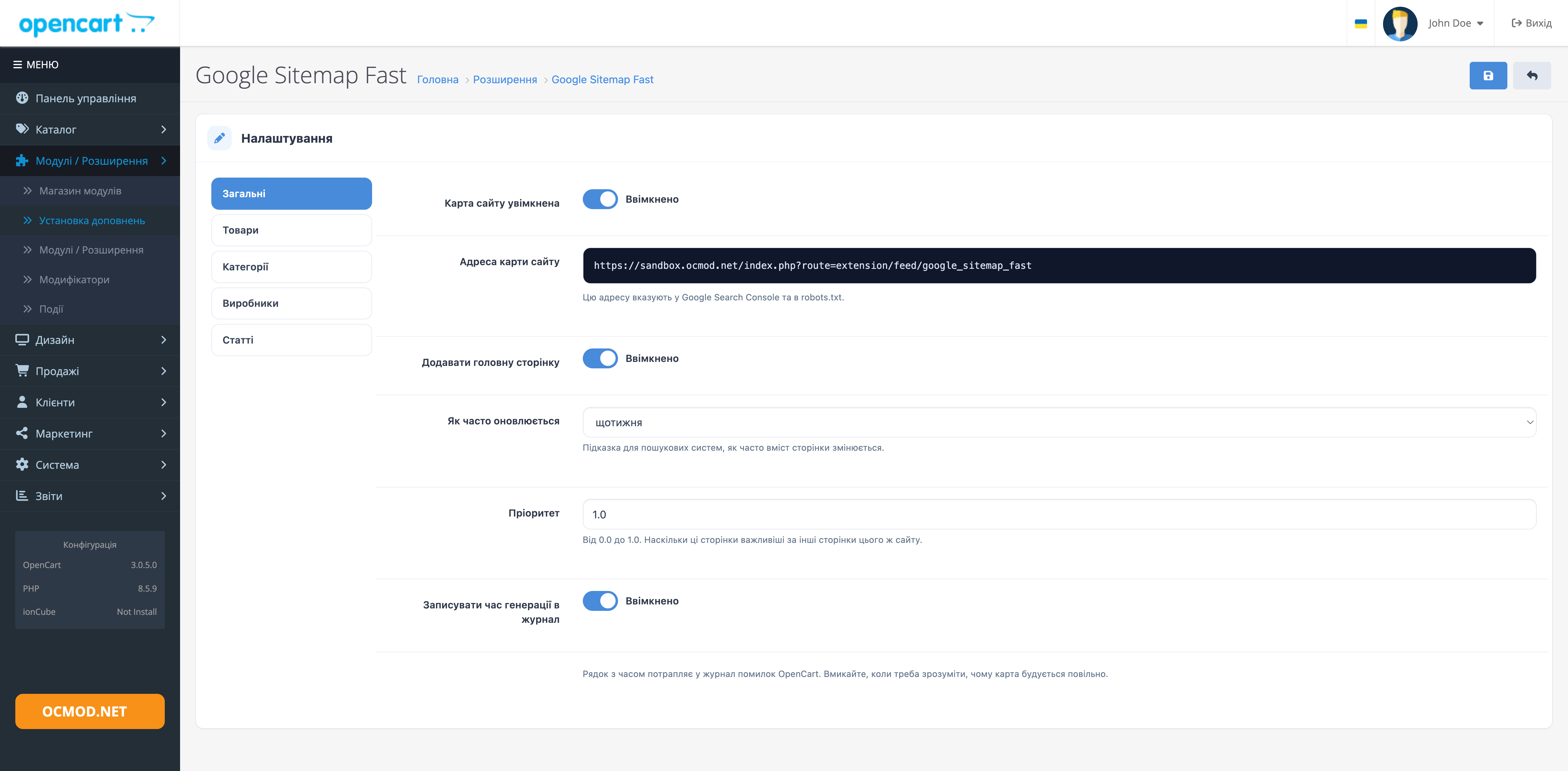
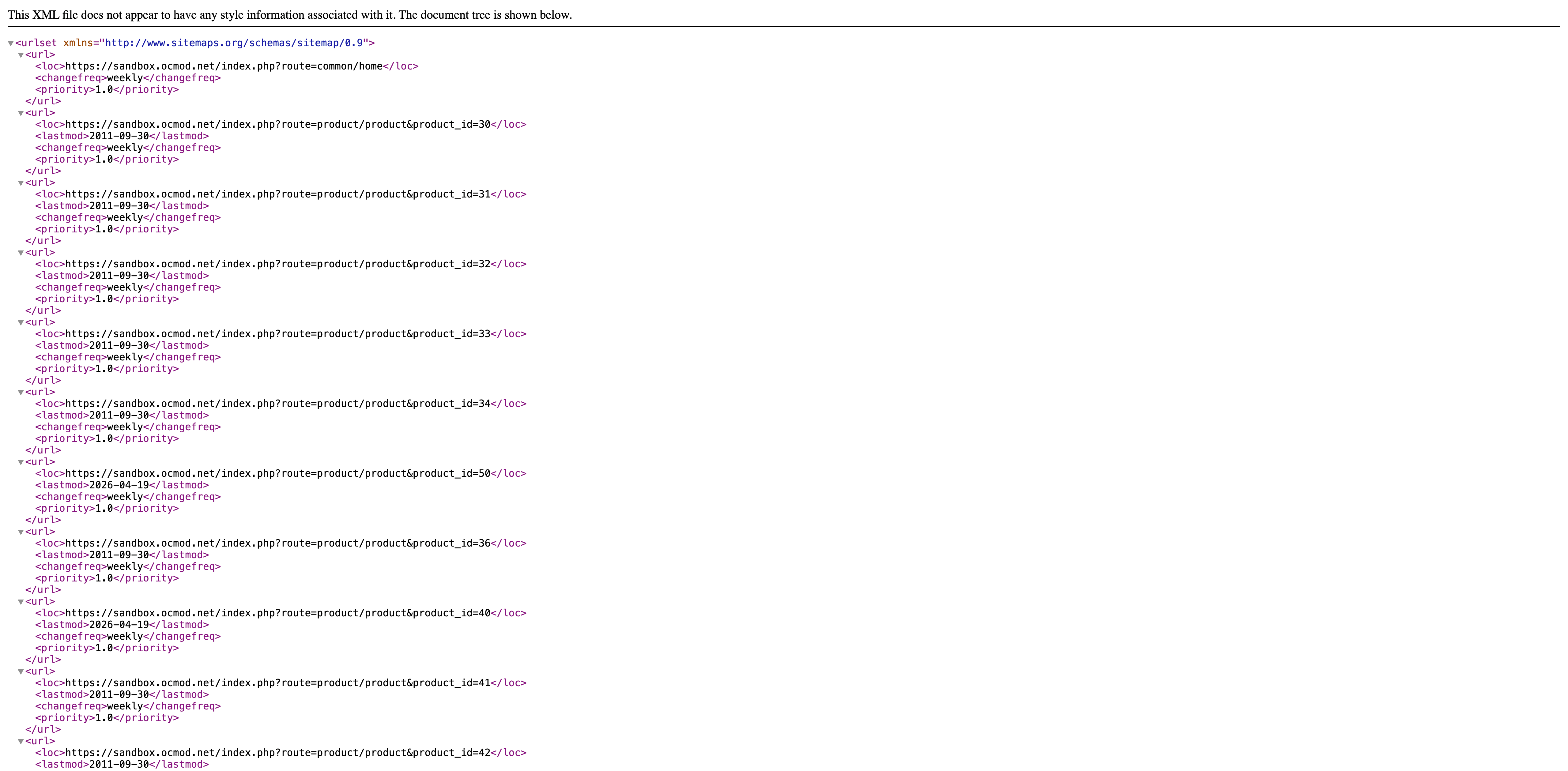
Google Sitemap Fast generates an XML sitemap for OpenCart and provides a ready-to-use URL for Google Search Console or robots.txt. The sitemap includes available products, active categories, manufacturer pages, and published articles.
What pages will the search robot see?
- Products available for purchase in the current store.
- Categories with full path, including nested sections.
- Manufacturer pages and informational articles can be included separately.
- The main page is added optionally.
For products and categories, the last modification date is transmitted. The search engine sees which pages have been updated since the last crawl and can more accurately plan re-crawls.
Setting frequency and priority
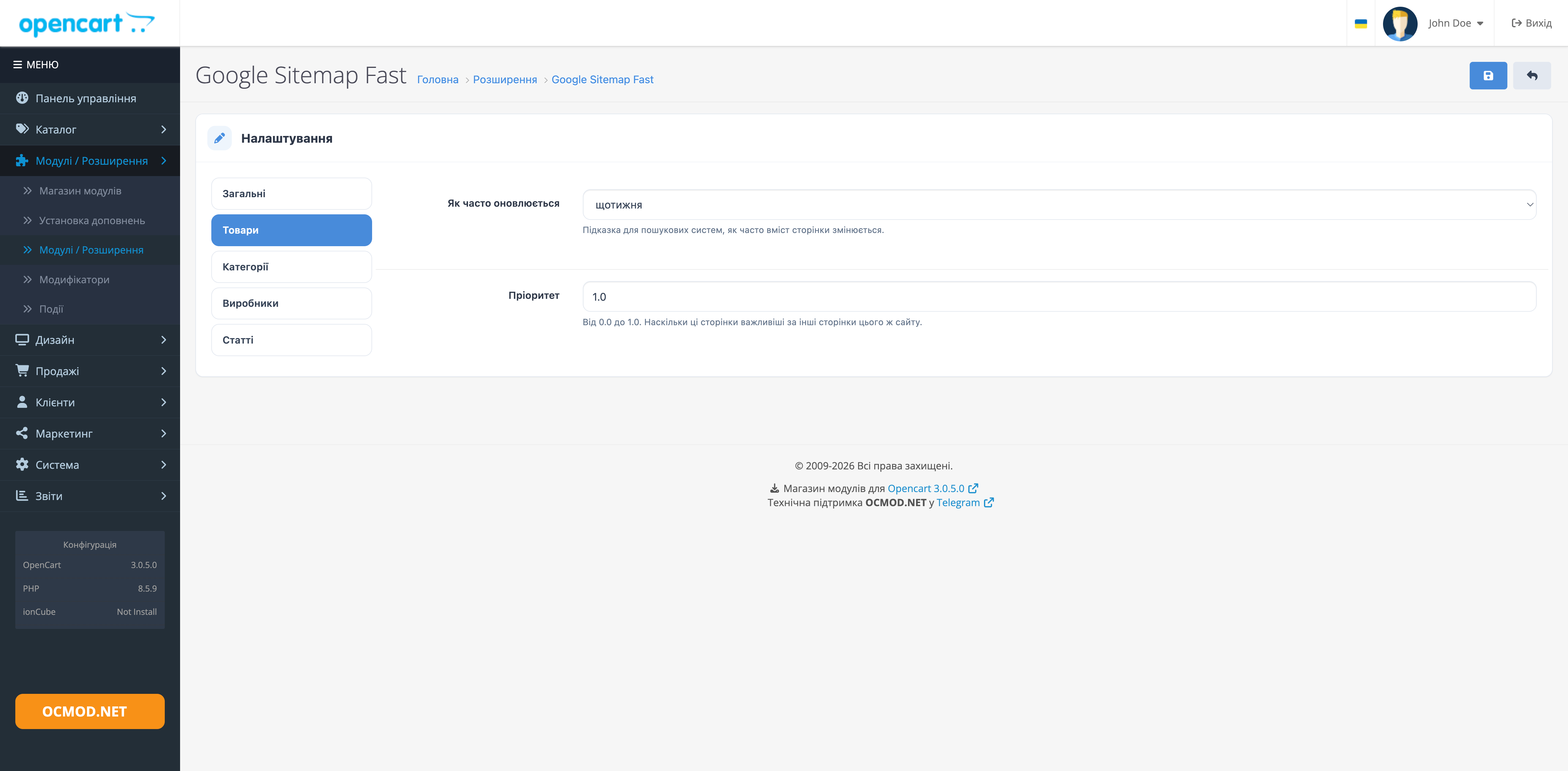
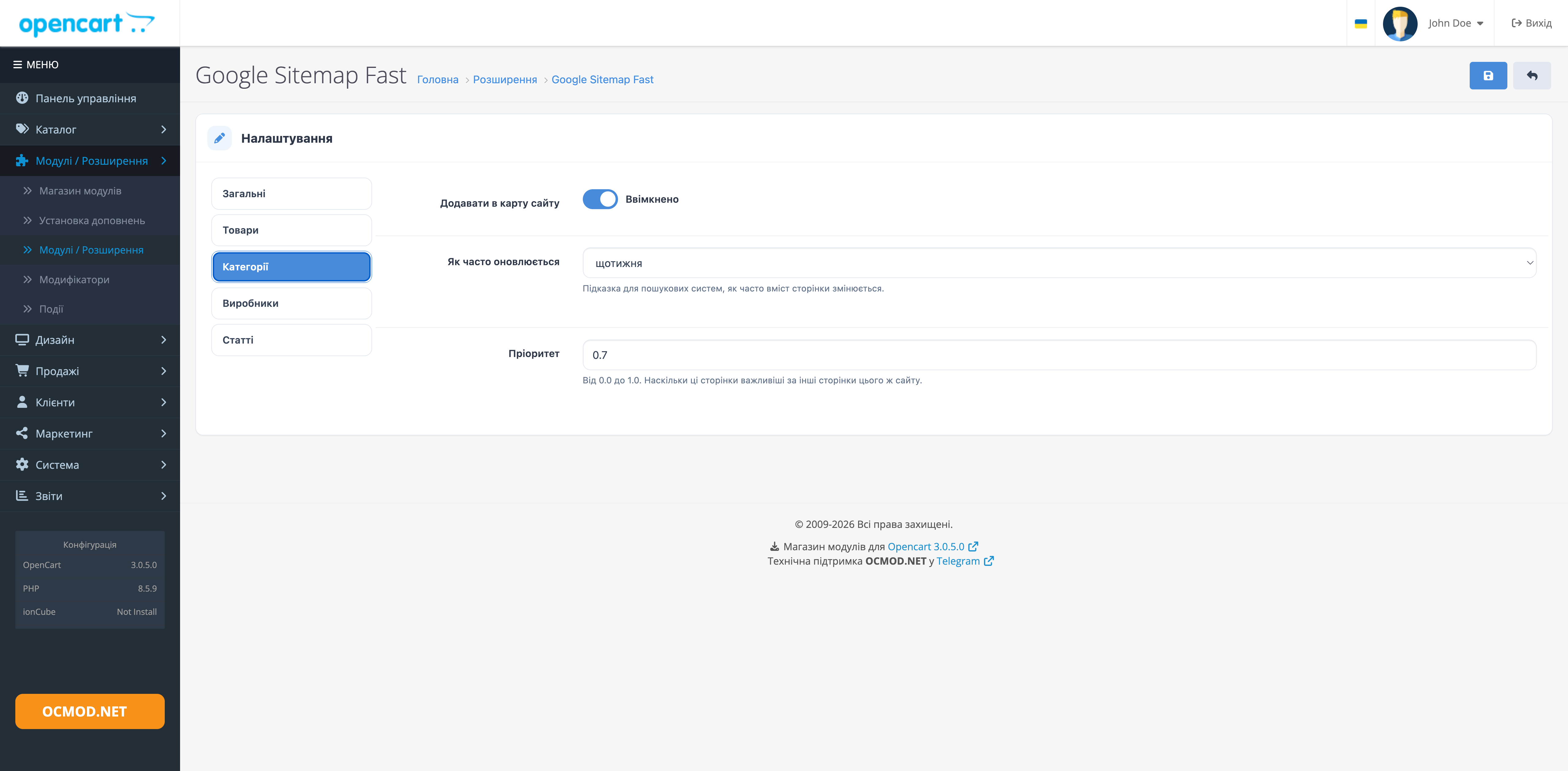
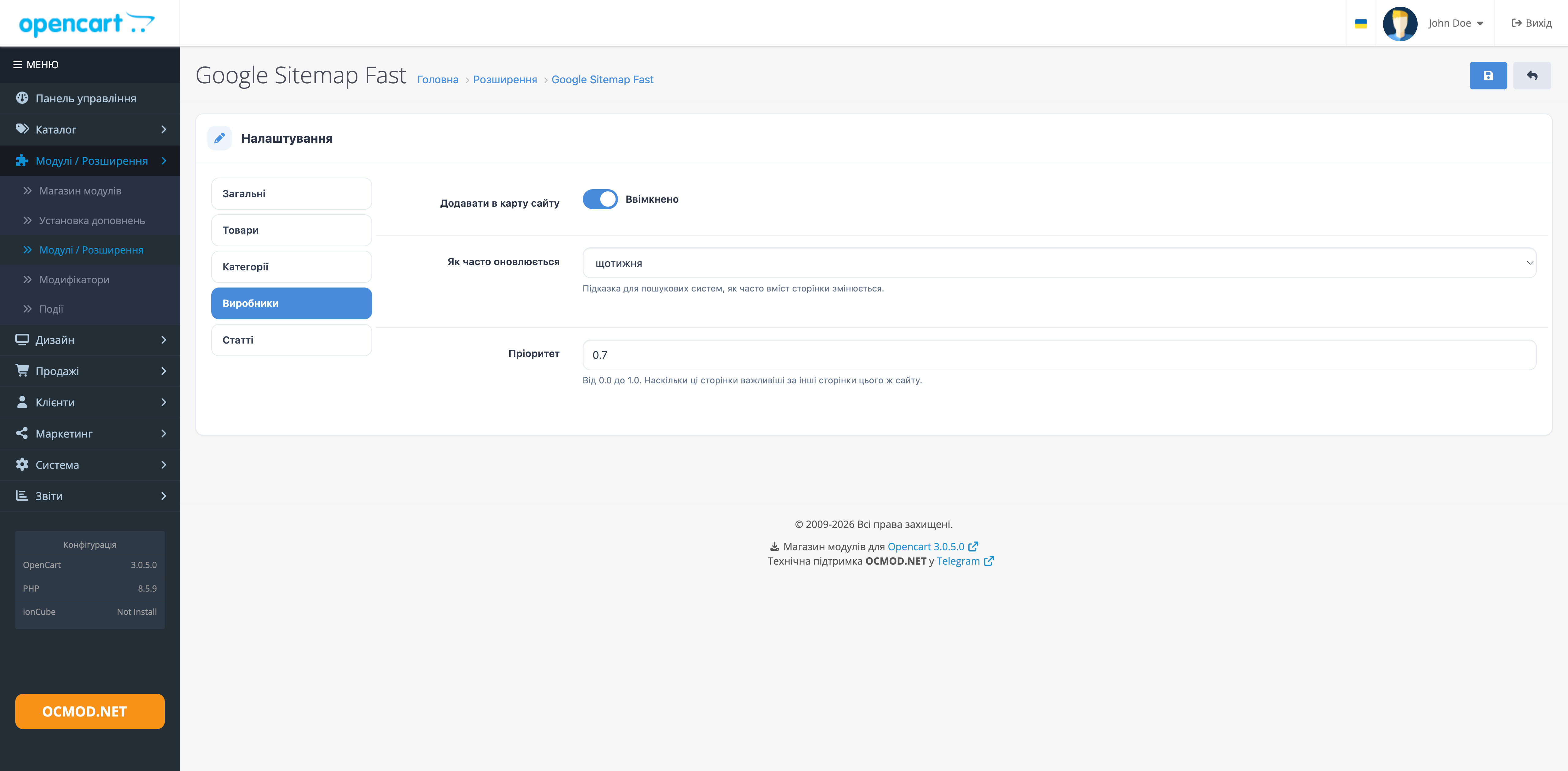
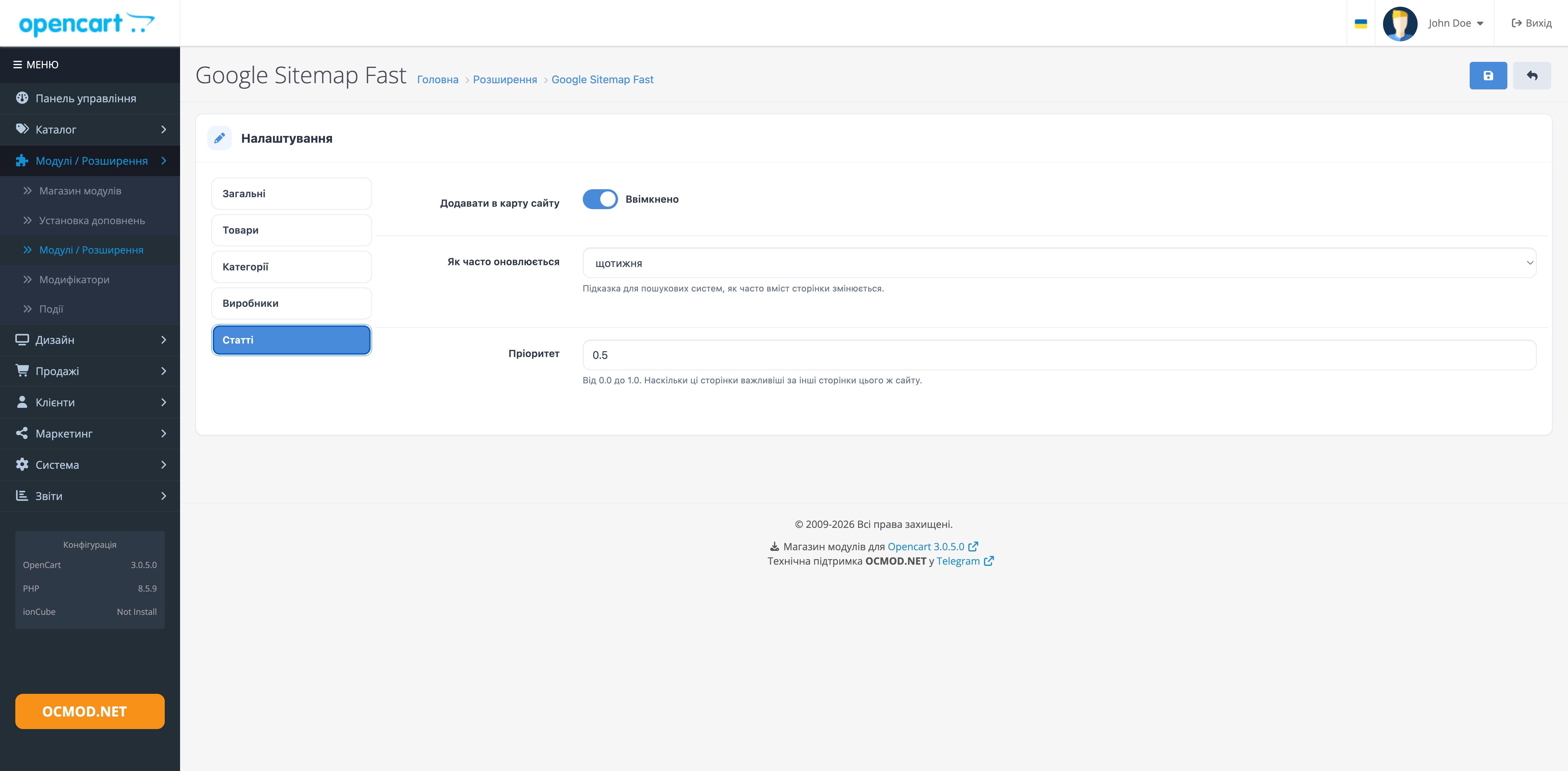
In the OpenCart panel, you can set the refresh frequency and priority for each page type, ranging from 0.0 to 1.0. For example, you can assign weekly refresh rates to products, monthly refresh rates to categories, and daily refresh rates to the homepage.
Frequency and priority values serve as hints for search engines and do not guarantee a given crawl schedule.
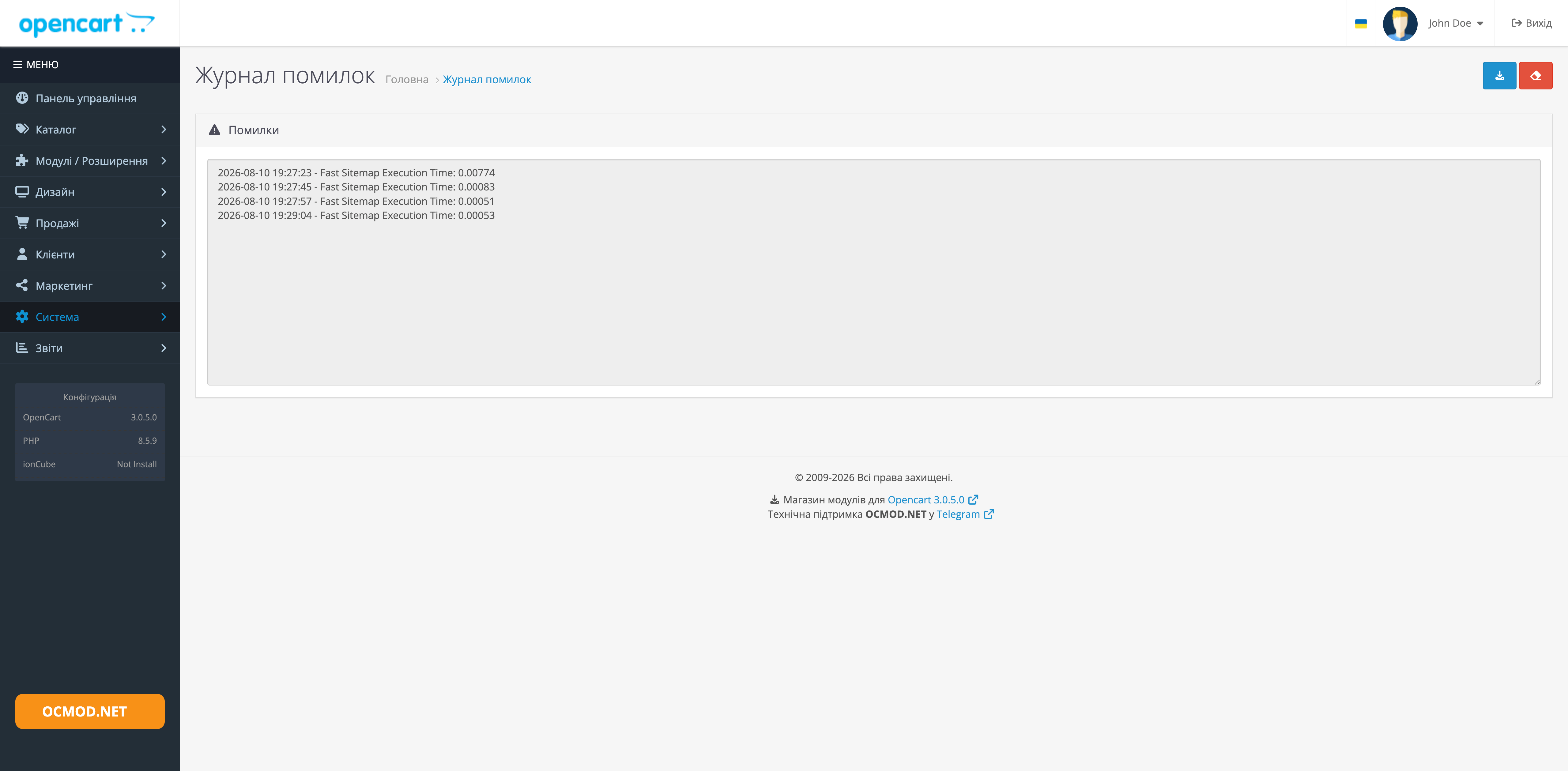
The map is compiled with a specific store in mind. When investigating the causes of slow generation, you can enable execution time logging in the OpenCart log.
The store where the testing was conducted:
- products: 37,000
- categories: 320
- manufacturers: 840
Correct setting:
After installing and enabling the sitemap, as recommended by search engines, you need to add a link to it in the robots.txt file.
To do this, replace the code in the .htaccess file
feed/google_sitemapon
feed/google_sitemap_fast
For OpenCart 2.3 and above it should look like this:
RewriteRule ^sitemap.xml$ index.php?route=extension/feed/google_sitemap_fast [L]
and in the robots.txt file itself, write the directive
Sitemap: http://site.com/sitemap.xml
where http://site.com is your website's domain
Specification
Downloads 3
google-fast-sitemap_oc20-21.ocmod.zip 8.04 KB 25.11.2017 14.12.2025
google-fast-sitemap_oc23.ocmod.zip 9.14 KB 25.11.2017 15.10.2023
google-fast-sitemap_oc3x.ocmod.zip 11.28 KB 25.11.2017 15.03.2026
Install
Reviews
Other products in this category
2.3, 3.x


3.x, 4.x


OCMOD.NET is a platform with the best collections of modules and templates to expand the functionality of your online store on Opencart and OcStore.
Write to technical support

- OCMOD.NET © Copyright 2017-2026
Share your feedback