 English
 Язык
Язык Українська
Your shopping cart is empty!
You may also like

2.x, 3.x

2.x, 3.x

Ask a question about a product (Q&A) for OpenCart





 Bonus +49 грн. to your account
| Characteristics | |
| OpenCart | 2.3, 3.0 |
| XML modification | Yes |
| Localization | English, Ukrainian, Russian |
| Statistics | 7639 88 |
| Added | 02.10.2022 |
| Updated | 04.01.2024 · 3 years ago |
| Files | art-aqa-product_oc3x.ocmod.zip |
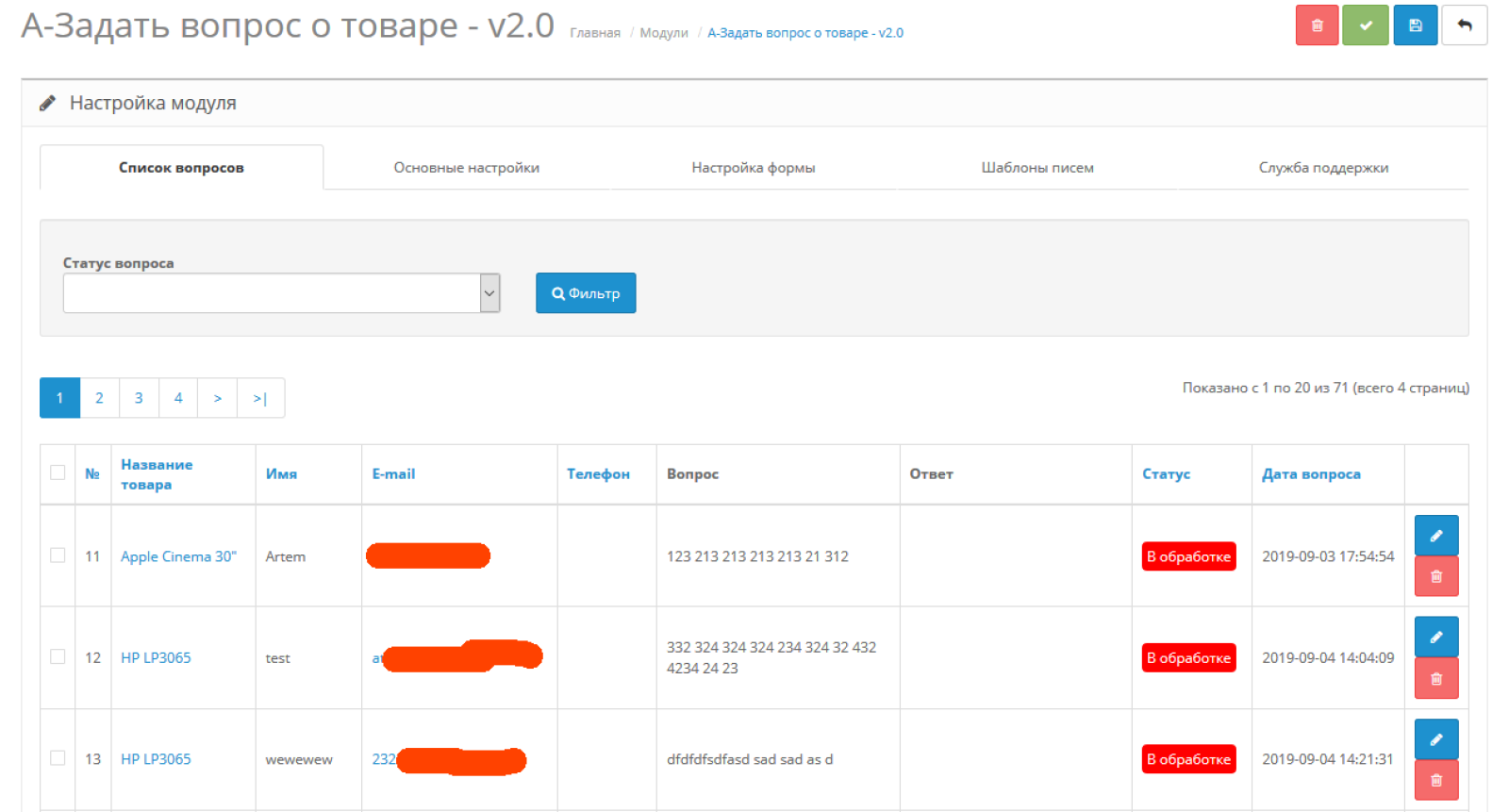
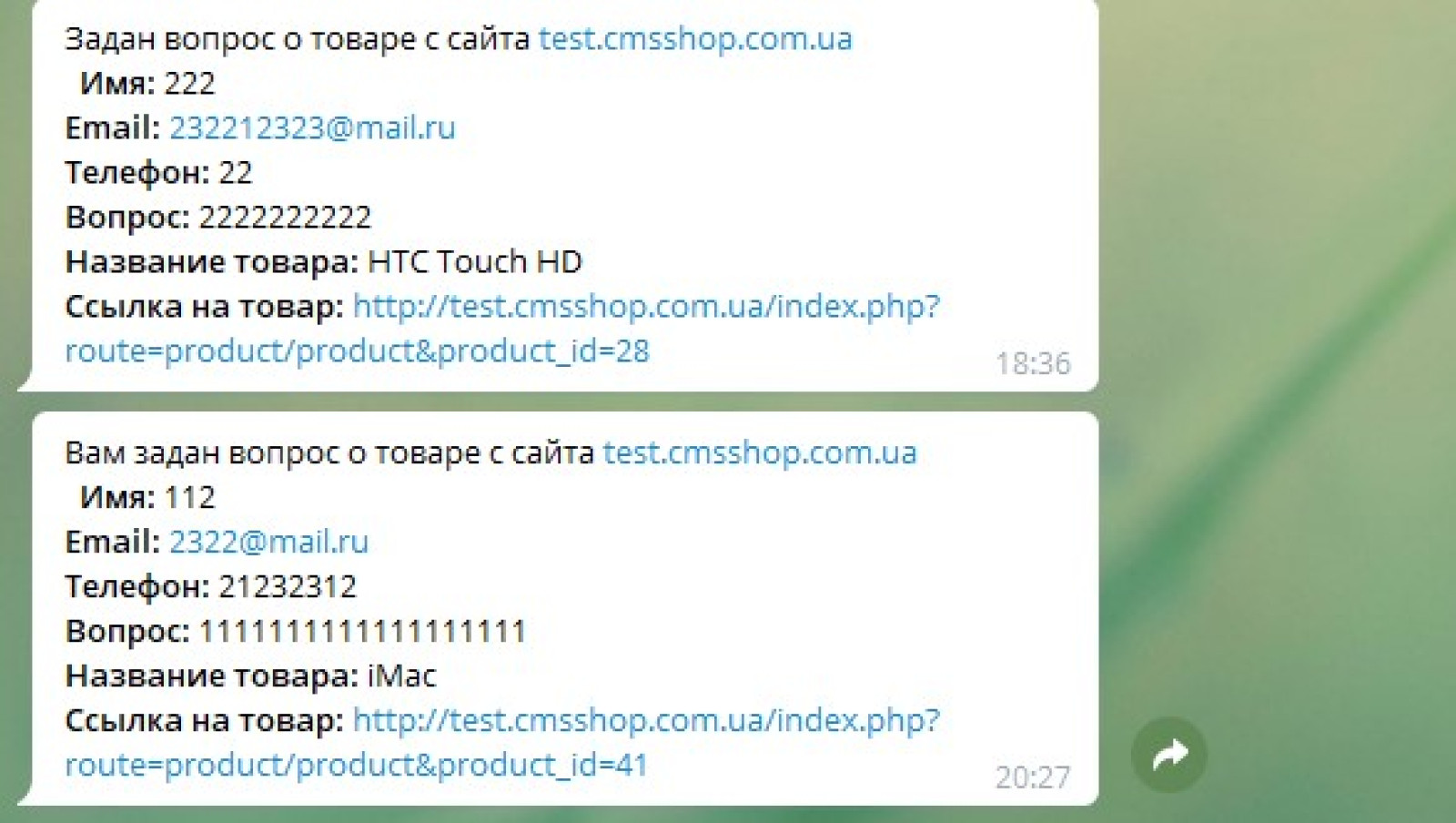
Ask a question about a product – this module for OpenCart will allow your customers to receive all the necessary information about products in a convenient and accessible form. Users can ask direct questions about any product that you will receive in the admin panel or via email and Telegram.
Module characteristics
- Allows customers to receive information about products.
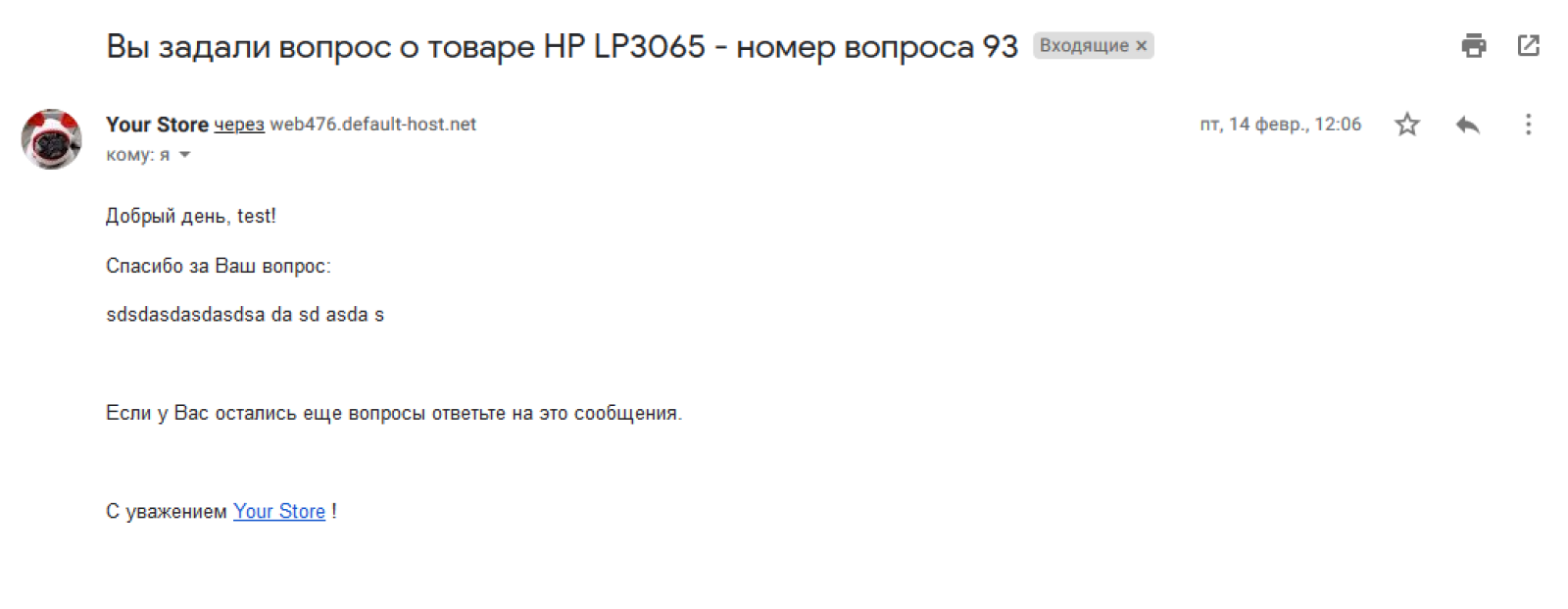
- Possibility to receive administrator and client notifications via email and Telegram.
- Allows you to answer questions from the admin panel.
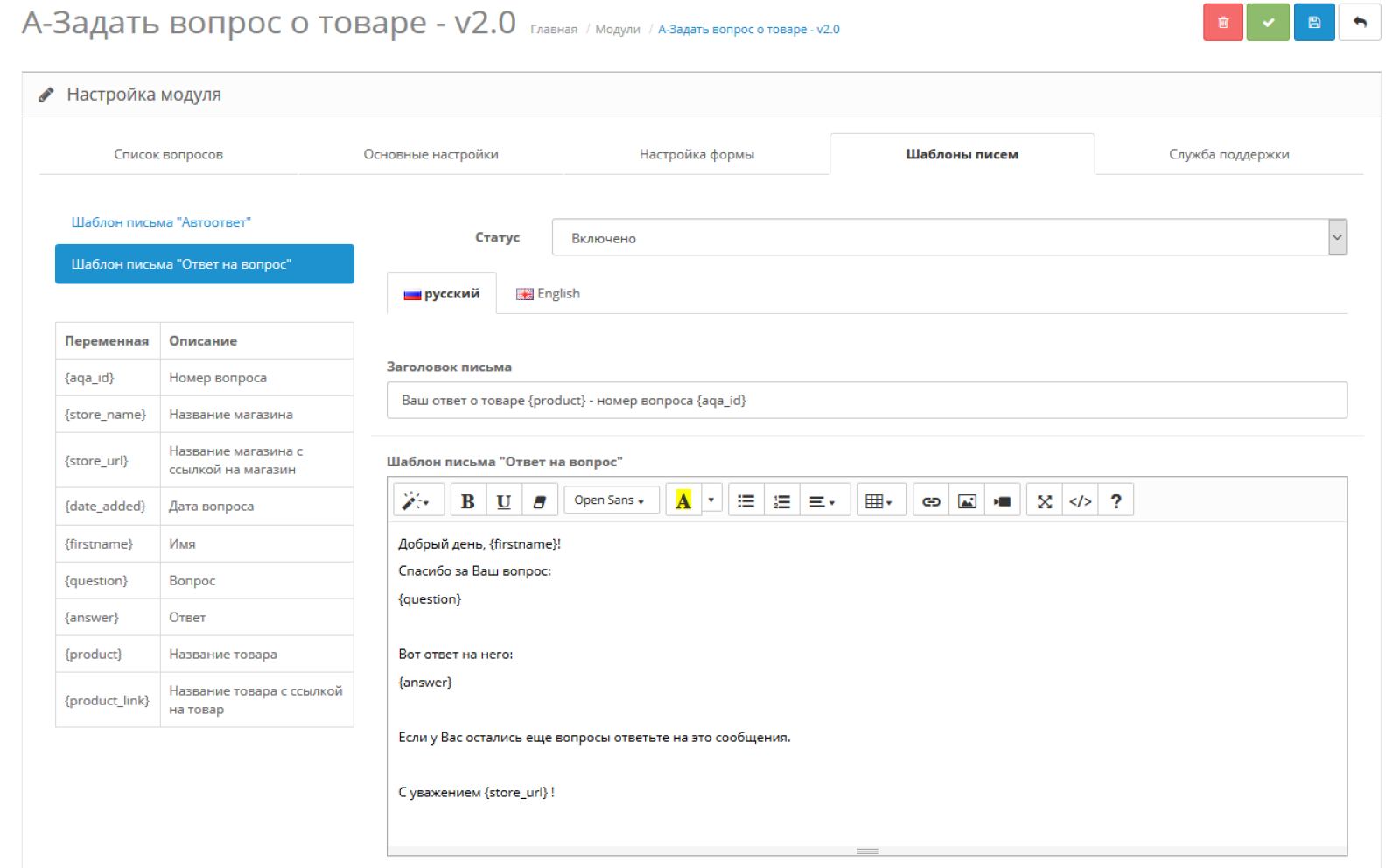
- It is possible to create letter templates: "Auto-reply" and "Answer to a question".
- Uses OCMOD to install.
- The main site files are not overwritten.
Setting up sending to Telegram
Step 1:
- Go to Telegram, find the BotFather bot in the search and start chatting with it.
- Write the command /newbot to the bot – this is the command to create a new bot.
- BotFather will write back asking you to write the bot's name. Write this name in a return message (For example: Bot for order notifications) - this name can be changed later.
- After entering the name, BotFather will ask you to enter a username (the public name of the bot), it must end in bot (For example: cmsshopbot or cmsshop_bot);
- If such a name is not taken, then in response you will receive a message with the token of your new bot;
- Follow the link to your bot from the message or find it in the search by username (which you specified) and press /start. This is necessary so that the bot can write to you. Without this, you will not be able to receive notifications.
Step 2:
- Go to the module settings;
- Specify the token (in the "Bot token" field) that was issued to you by the BotFather bot;
- Specify the user ID to whom notifications about the question should be sent. If you want notifications to be sent to several recipients, specify these IDs separated by commas (For example: 12222222222,222222223333,3333333333);
- The easiest way to find out your Telegram ID is to send a message to the ShowmeidBot or userinfobot bot.
Setting up sending to email:
- Go to the module settings;
- Specify the email (in the "Recipient email" field) to whom notifications about the question should be sent. If you want notifications to be sent to several recipients, specify these emails separated by commas (For example: email@mail.com, email1@mail.com, email2@mail.com);
| File Name | Added | Modified |
|---|---|---|
art-aqa-product_oc23.ocmod.zip Size: 43.29 KB | 02.10.2022 | 19.09.2023 |
art-aqa-product_oc3x.ocmod.zip Size: 43.12 KB | 02.10.2022 | 04.01.2024 |
AI Assistant
Recently viewed
2.3, 3.x

Featured


OCMOD.NET is a platform with the best collections of modules and templates to expand the functionality of your online store on Opencart and OcStore.
Write to technical support

- OCMOD.NET © Copyright 2017-2026


Leave your review about this product