 English
 Язык
Язык Українська
Your shopping cart is empty!
You may also like

2.x, 3.x

2.x, 3.x

Ticketing HelpDesk for OpenCart
 Bonus +49 грн. to your account
| Characteristics | |
| OpenCart | 2.0, 2.1, 2.2, 2.3, 3.0 |
| XML modification | Yes |
| Localization | English |
| Statistics | 2704 23 |
| Added | 03.02.2025 |
| Updated | 03.02.2025 · 1 years ago |
| Files | ticketing-helpdesk_oc3x.ocmod.zip |
When a customer doesn't want to search for email or a contact form, they can open a support ticket directly in the store. Order questions, warranty inquiries, product clarifications, or even a file with a photo of the problem—everything goes into the ticket, and the manager sees it in the admin panel.
Tickets in the store menu and a work queue for the manager
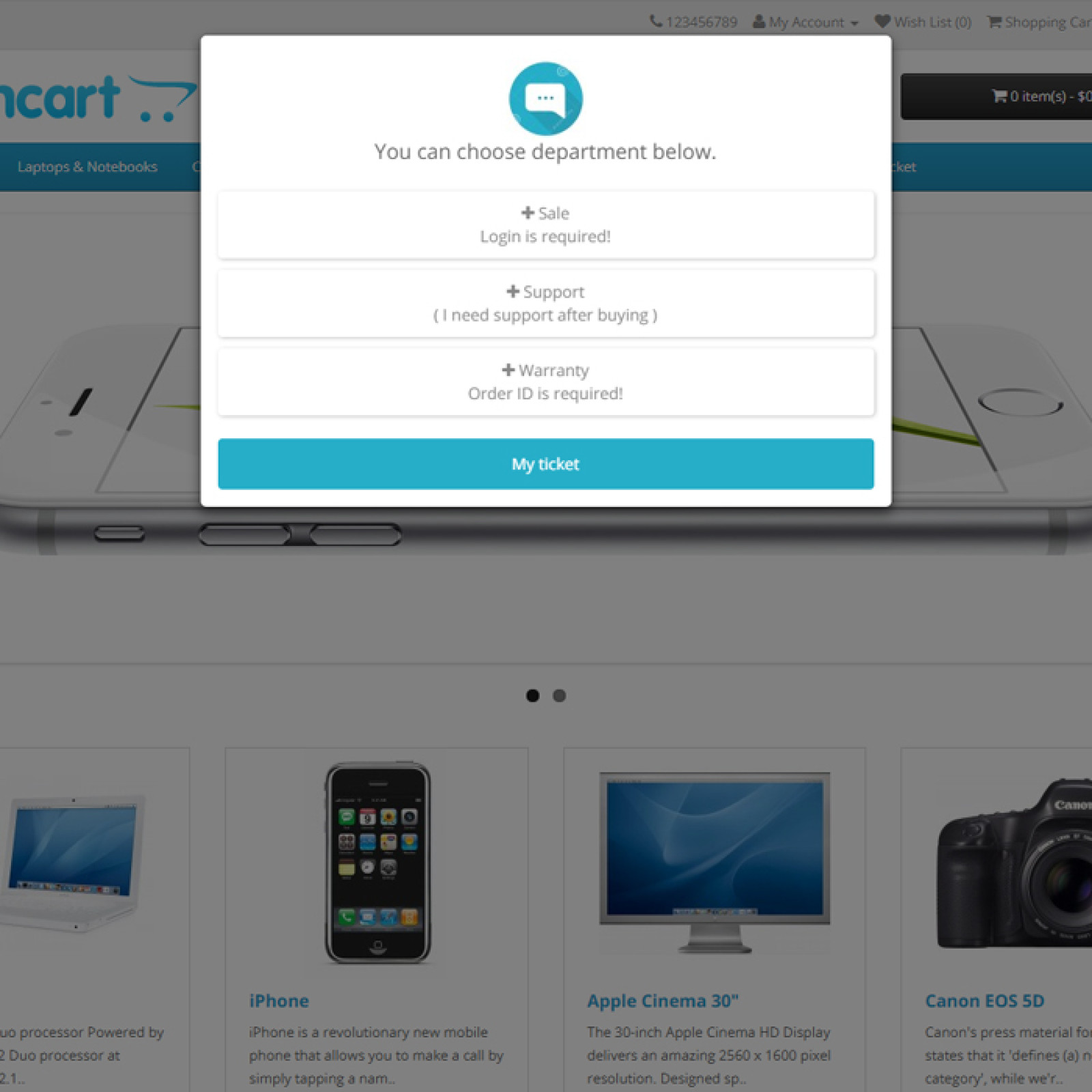
After installation, a separate section appears in the admin panel with requests, departments, statuses, priorities, and email templates. In the storefront, customers see a support section in the top menu, a floating button, or a button on the product page.
- The buyer creates a request from their personal account or through a pop-up window on the product page.
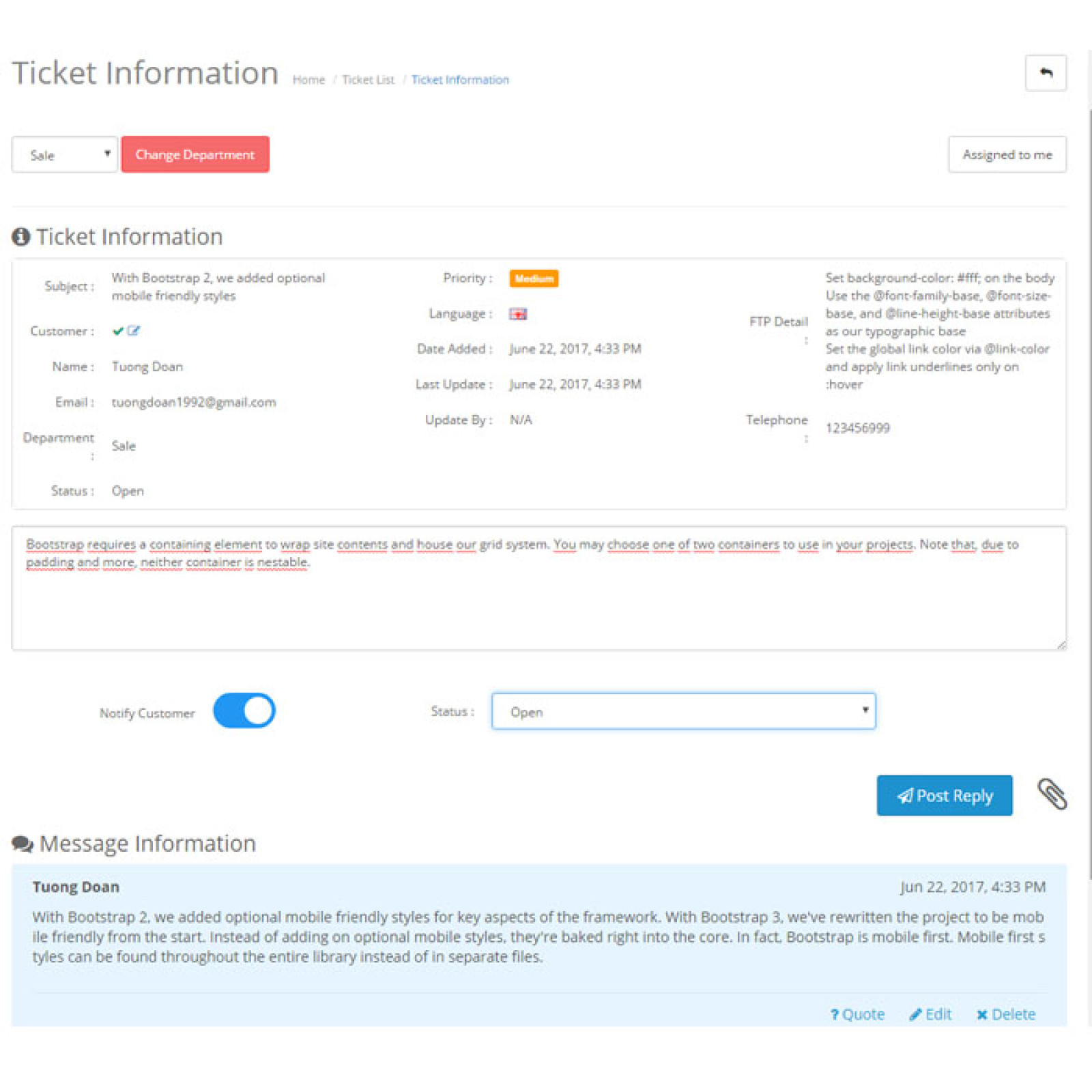
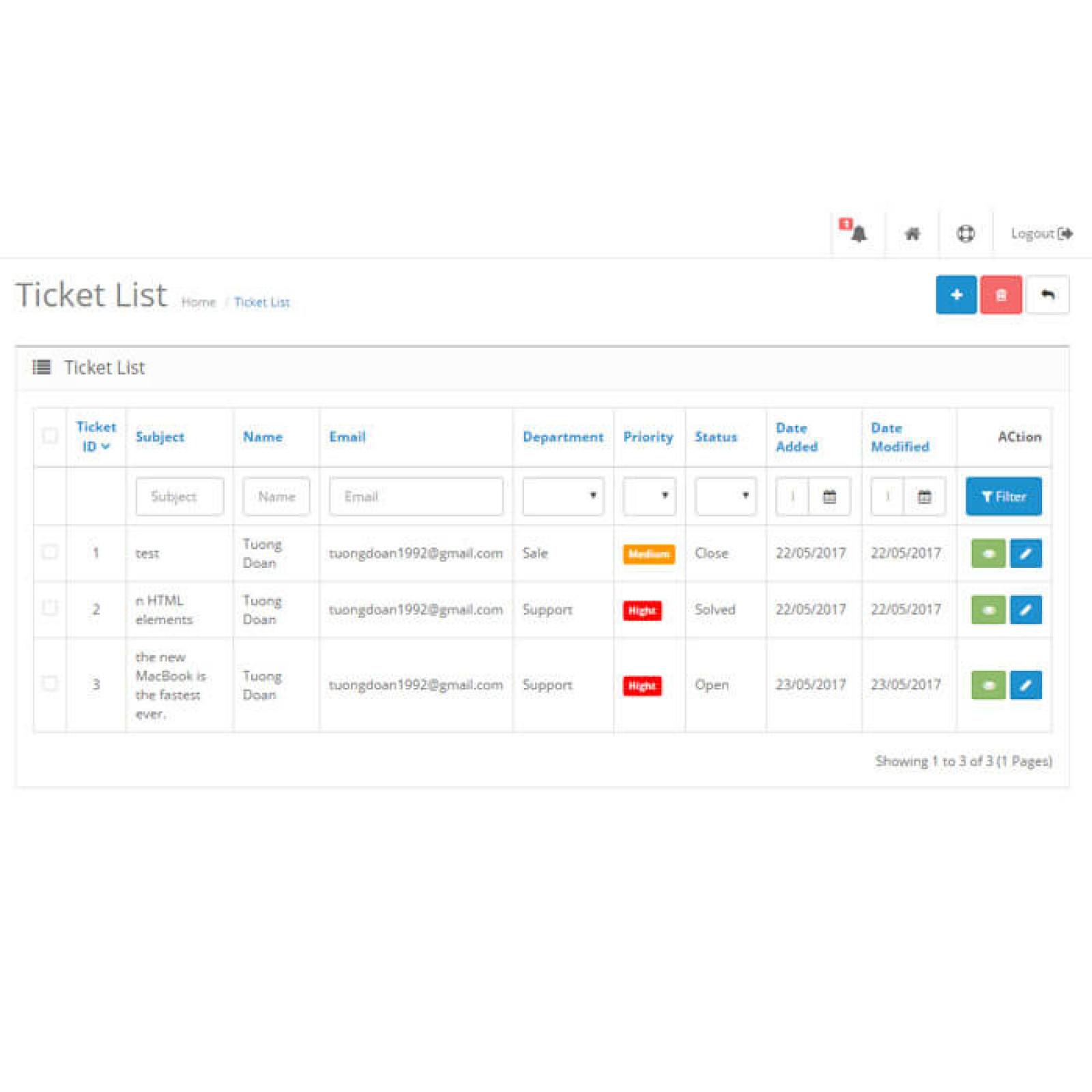
- The manager opens a list of tickets and filters them by status, department, priority, date, name, or email.
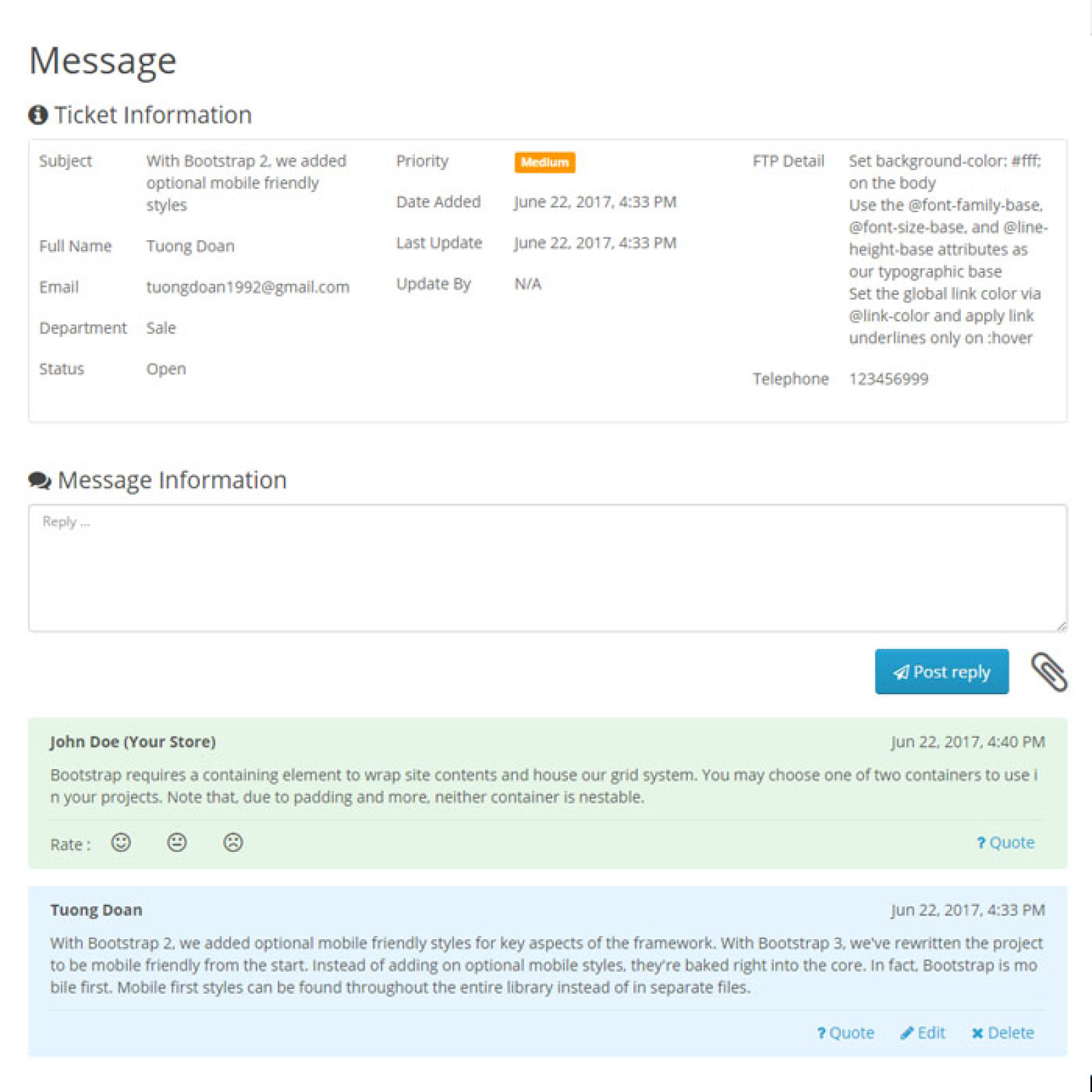
- The application contains correspondence with quotes, attachments, and a response mark from the employee.
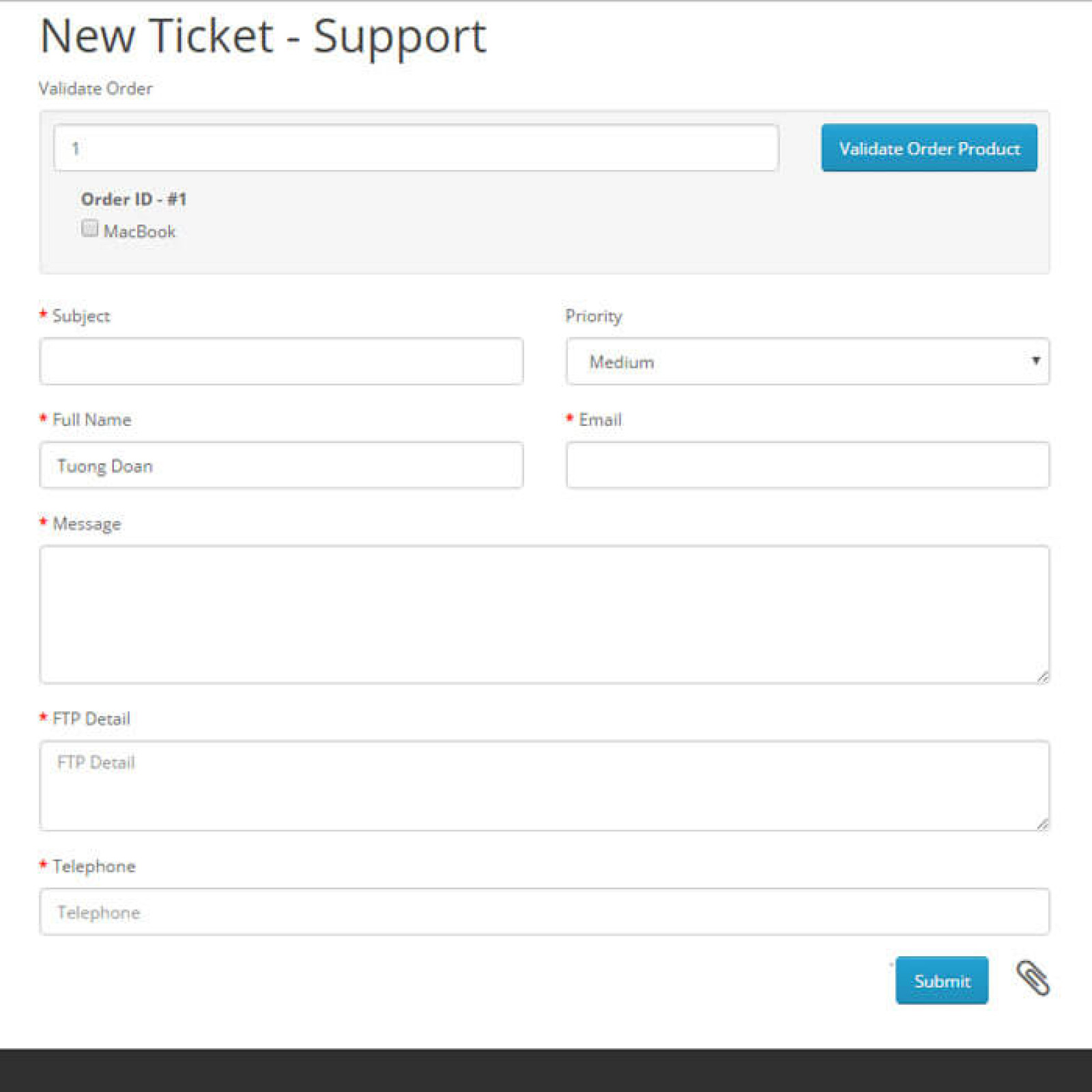
- You can link a request to an order and select specific products from it.
- The counter of open requests is displayed directly in the left menu of the admin panel.
What is configured for the support service?
- Departments such as sales, support, warranty.
- Ticket statuses include new ticket, pending response, resolved, and closed.
- Color-coded priorities to ensure urgent requests don't get lost in the list.
- Form fields: text, list, checkboxes, date, time, large message field.
- Account login requirement for the selected department.
- Checking the order number before sending a request.
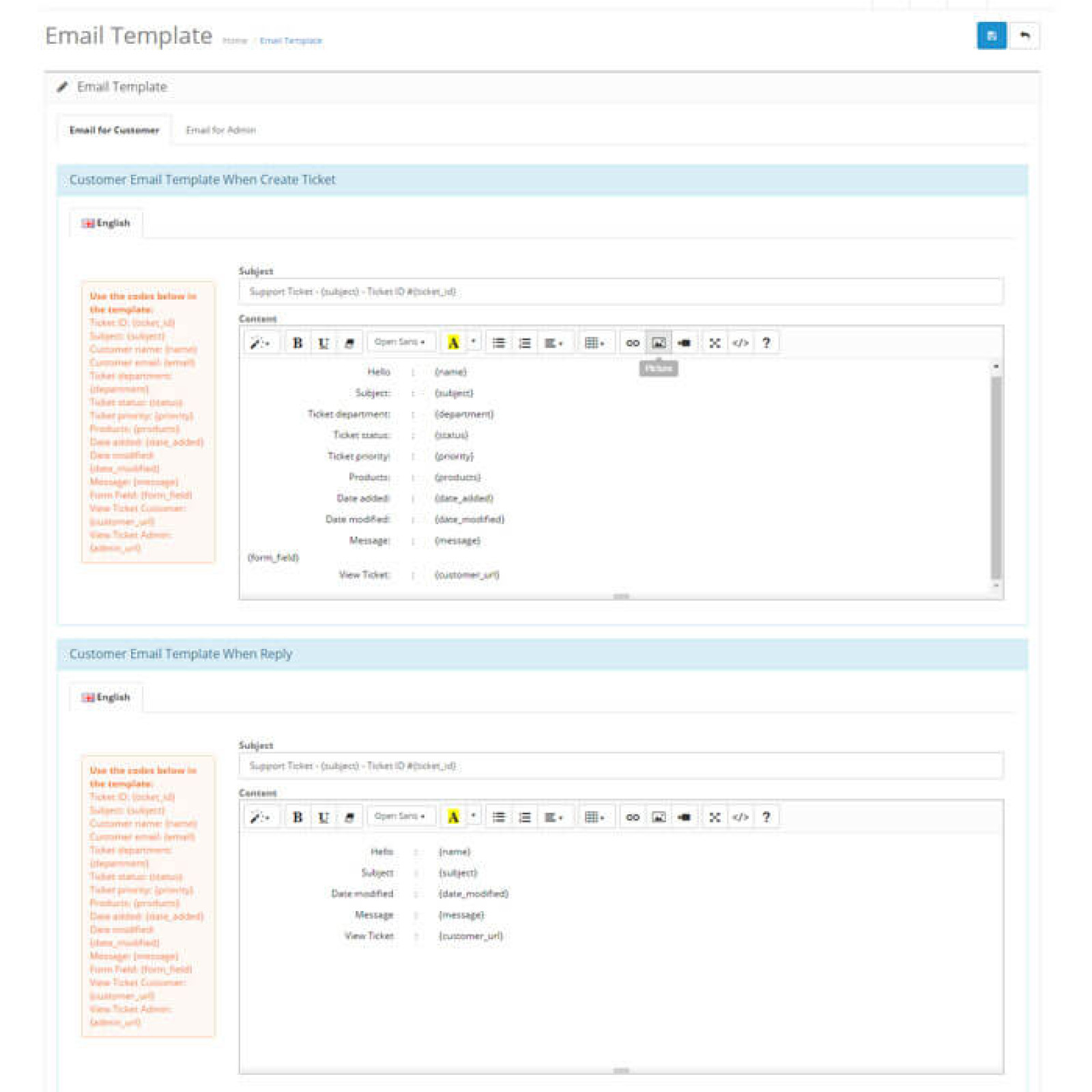
- Templates for letters for customers and employees in different store languages.
- Position, color, text, and image of the floating support button.
Important: If order verification is enabled for a department, customers who don't log in will be required to provide the email address from the order. Otherwise, the ticket won't be submitted, and the form will display an error next to the field.
In practice, the employee receives not just a message, but a ticket card with the history, status, attachments, and a link to the order. The buyer sees their tickets in their personal account, replies in the same thread, and can evaluate the manager's response.
| File Name | Added | Modified |
|---|---|---|
ticketing-helpdesk_oc20-22.ocmod.zip Size: 269.74 KB | 03.02.2025 | 03.02.2025 |
ticketing-helpdesk_oc23.ocmod.zip Size: 143.18 KB | 03.02.2025 | 03.02.2025 |
ticketing-helpdesk_oc3x.ocmod.zip Size: 153.11 KB | 03.02.2025 | 03.02.2025 |
AI Assistant
Recently viewed
2.x, 3.x

2.3, 3.x

Featured



OCMOD.NET is a platform with the best collections of modules and templates to expand the functionality of your online store on Opencart and OcStore.
Write to technical support

- OCMOD.NET © Copyright 2017-2026


Leave your review about this product