 English
 Язык
Язык Українська


Don't know how to move opencart to another hosting? It's elementary!
Create backup copies of site files
First, you need to copy all the site files to your computer. Open an FTP client program, such as FileZilla Client , and move the contents of the site's root directory to a separate folder on your PC. You can also download the archive with files through the file manager in the hosting account panel.
When transferring a site to another hosting, it is important to remember that along with the main OpenCart structure, you must also transfer the storage folder, since it stores logs, sessions, cache and other service data, without which the site will not work correctly. Initially, it is located in the system directory, but after the initial installation of OpenCart on the hosting, the installer offers to move it to another location chosen by the administrator. You can also see where it was moved in the configuration file in the DIR_STORAGE constant.
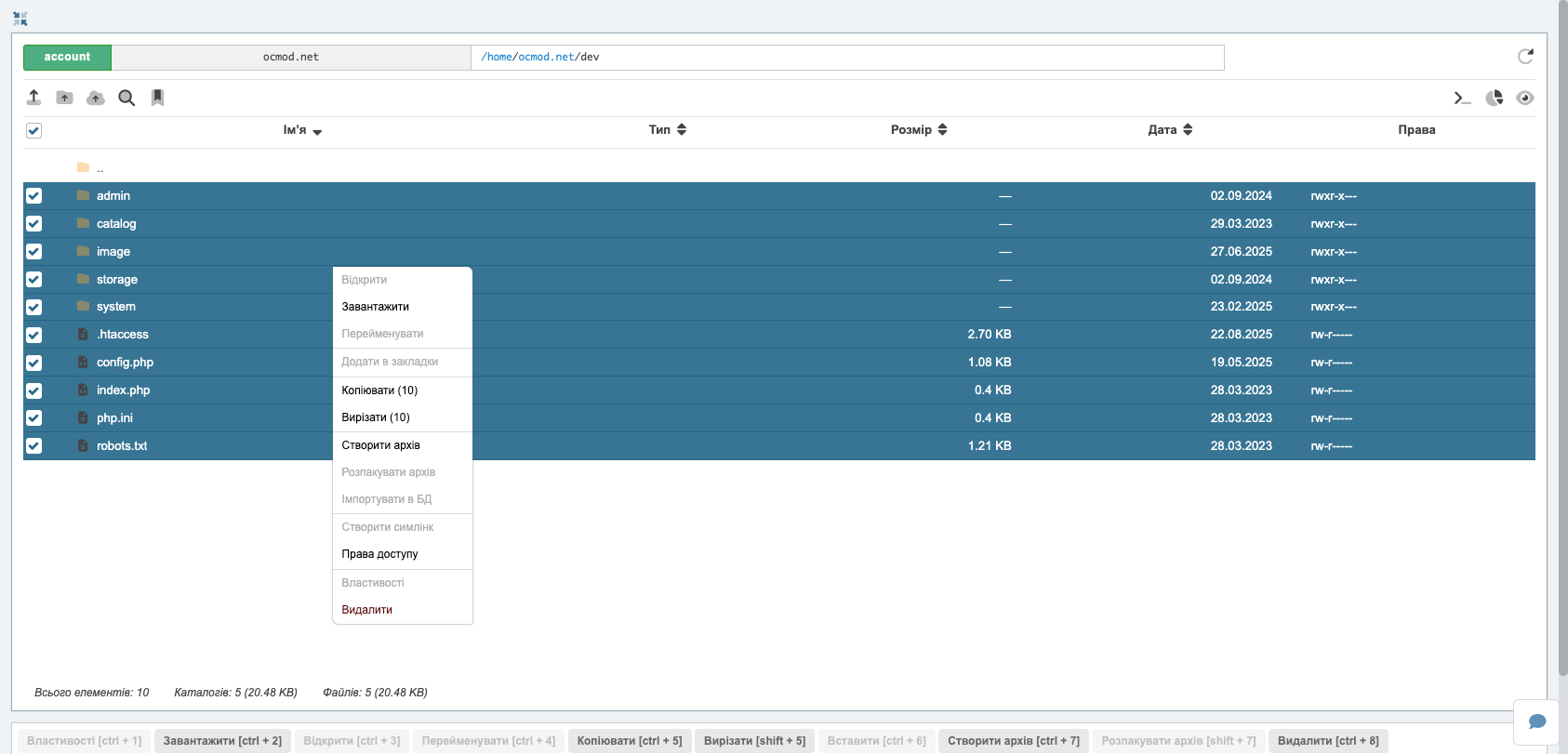
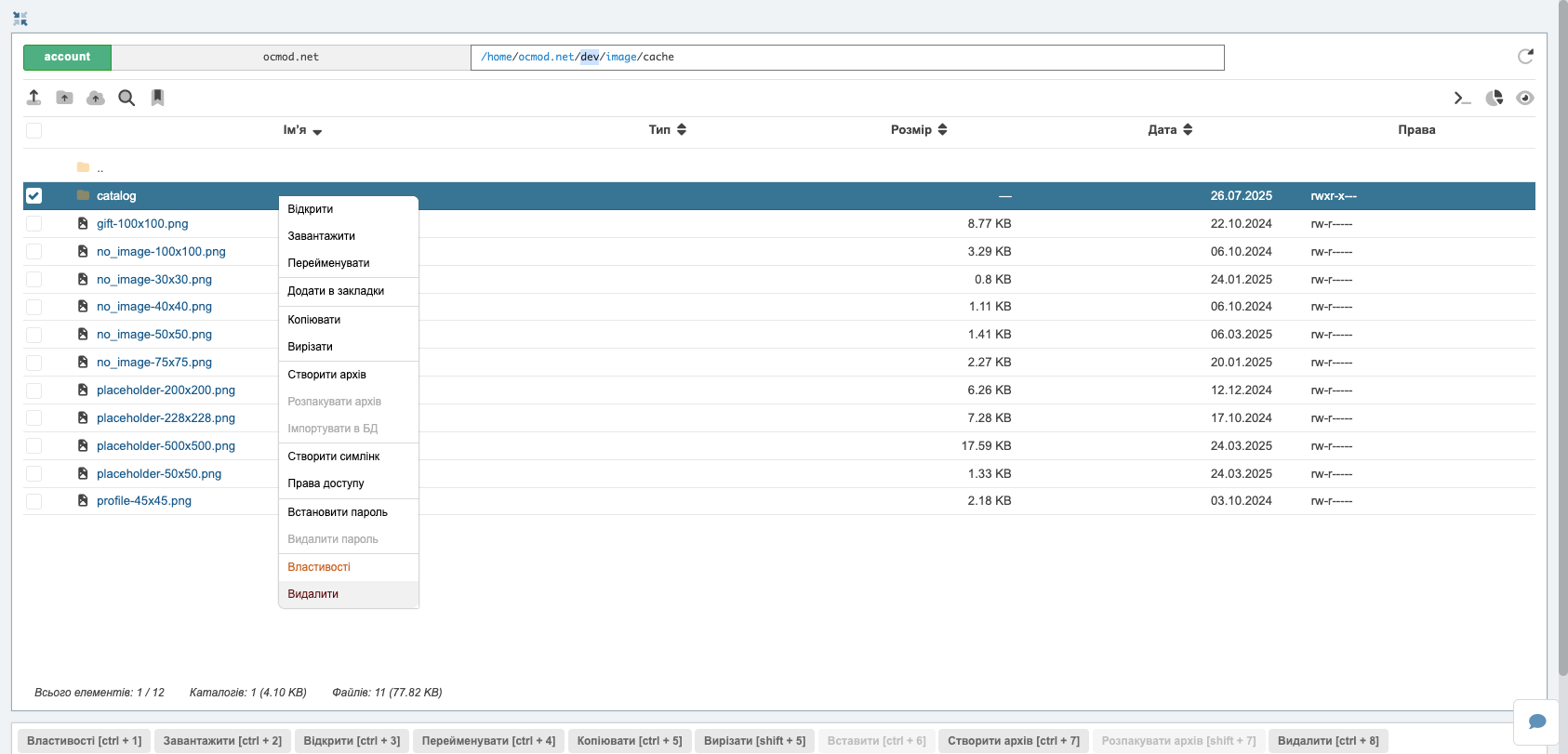
Clearing image cache
Also, to save space and time, it is not necessary to copy the image cache from the image/cache folder - the first time you access the store pages, the system will automatically recreate the thumbnails and other cached files. This significantly saves time and speeds up the migration process itself, especially if the product catalog contains thousands of images.
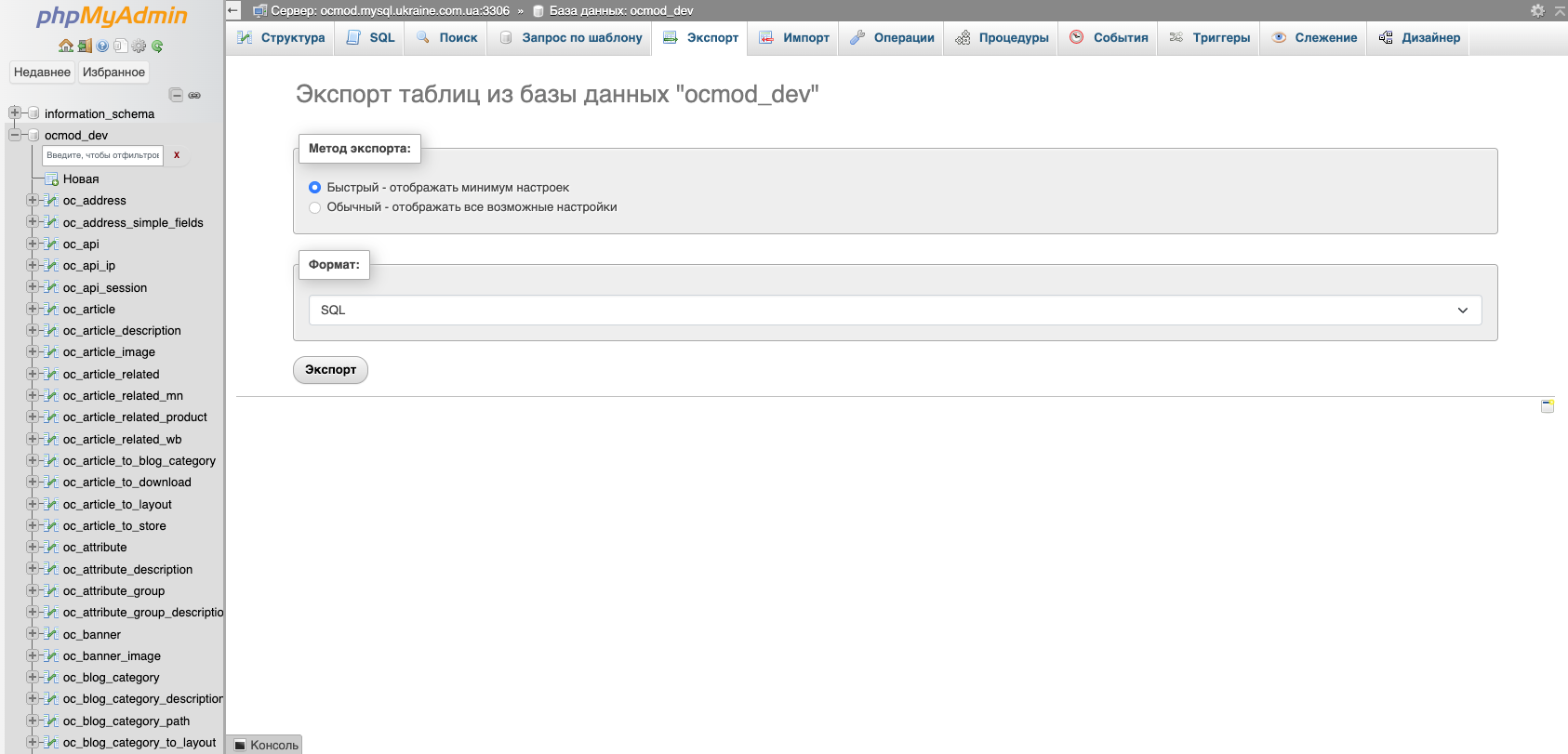
Creating a backup copy of the database
Next, open PhpMyAdmin and export the required database of our store. If you have several of them and you do not remember which one belongs to the transferred site, open the config.php file in the root of the site and look at its name in the DB_DATABASE constant.
To export tables in PhpMyAdmin, go to the database and go to the Export section, select the SQL format and click the Forward button.
Done! Now we have copies of the OpenCart database and files.
Preparing an OpenCart store for transfer to a new hosting
In the config.php files, specify the current parameters of the new site
- new domain if it changes
- new paths to root directory
- database data
If you don't know the path to the main directory on the disk, create and open the info.php file with the content
<?php phpinfo(); ?>
by link http://www.newsite.com/info.php
At the bottom of the page, information about the path in the _ENV["SCRIPT_FILENAME"] variable will be displayed.
You can also create a universal config, but keep in mind that depending on the server configuration, bugs may be observed in the operation of the site modules. For example, after installing or transferring OpenCart to a hosting with universal configs, the button for opening the image manager does not work.
For config.php
<?php
// HTTP
$host = $_SERVER['HTTP_HOST'];
define('HTTP_SERVER', 'http://'.$host.'/');
// HTTPS
define('HTTPS_SERVER', 'http://'.$host.'/');
// DIR
$dir = dirname(__FILE__);
define('DIR_APPLICATION', $dir . '/catalog/');
define('DIR_SYSTEM', $dir . '/system/');
define('DIR_IMAGE', $dir . '/image/');
define('DIR_LANGUAGE', $dir . '/catalog/language/');
define('DIR_TEMPLATE', $dir . '/catalog/view/theme/');
define('DIR_CONFIG', $dir . '/system/config/');
define('DIR_CACHE', $dir . '/system/storage/cache/');
define('DIR_DOWNLOAD', $dir . '/system/storage/download/');
define('DIR_LOGS', $dir . '/system/storage/logs/');
define('DIR_MODIFICATION', $dir . '/system/storage/modification/');
define('DIR_UPLOAD', $dir . '/system/storage/upload/');
//DB
define('DB_DRIVER', 'mysqli');
define('DB_HOSTNAME', 'localhost');
define('DB_USERNAME', 'root');
define('DB_PASSWORD', 'pass');
define('DB_DATABASE', 'basename');
define('DB_PORT', '3306');
define('DB_PREFIX', 'oc_');
For admin/config.php
<?php
// HTTP// HTTP
$host = $_SERVER['HTTP_HOST'];
define('HTTP_SERVER', 'http://'.$host.'/admin/');
define('HTTP_CATALOG', 'http://'.$host.'/');
// HTTPS
define('HTTPS_SERVER', 'http://'.$host.'/admin/');
define('HTTPS_CATALOG', 'http://'.$host.'/');
// DIR
$dir = dirname(dirname(__FILE__));
define('DIR_APPLICATION', $dir . '/admin/');
define('DIR_SYSTEM', $dir . '/system/');
define('DIR_IMAGE', $dir . '/image/');
define('DIR_LANGUAGE', $dir . '/admin/language/');
define('DIR_TEMPLATE', $dir . '/admin/view/template/');
define('DIR_CONFIG', $dir . '/system/config/');
define('DIR_CACHE', $dir . '/system/storage/cache/');
define('DIR_DOWNLOAD', $dir . '/system/storage/download/');
define('DIR_LOGS', $dir . '/system/storage/logs/');
define('DIR_MODIFICATION', $dir . '/system/storage/modification/');
define('DIR_UPLOAD', $dir . '/system/storage/upload/');
define('DIR_CATALOG', $dir . '/catalog/');
//DB
define('DB_DRIVER', 'mysqli');
define('DB_HOSTNAME', 'localhost');
define('DB_USERNAME', 'root');
define('DB_PASSWORD', 'pass');
define('DB_DATABASE', 'basename');
define('DB_PORT', '3306');
define('DB_PREFIX', 'oc_');
When changing the domain, open the database dump in a text editor and replace the old domain with the new one.

OpenCart website migration to hosting/server
We move previously copied and modified files to the root directory on the new hosting.
We set the rights 0777 on the folders:
image/
image/cache/
image/catalog/
system/storage/cache/
system/storage/logs/
system/storage/download/
We import the dump into a new database.
We go to the admin panel and update the modifier cache.





Comments